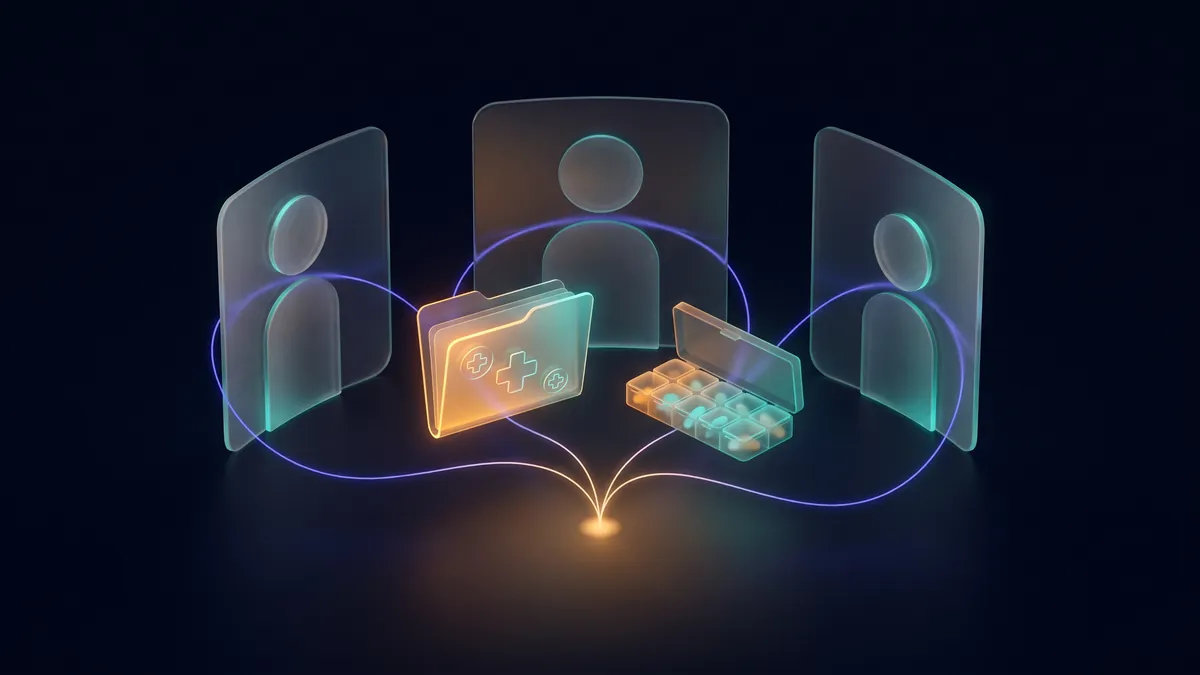
A pipe bursts at eleven on a Sunday night. The person holding the phone is not the one who knows which insurer you are with, what the excess is, or where the policy is. In most households that knowledge lives in one head, and the other person has to ask.
This is how to make it live somewhere both of you can reach — from whichever AI assistant each of you already uses.
What you need
- Two justonce.ai accounts. They are free, no card required, and the person you invite must already have one, because an invitation is matched to an existing user.
- An AI assistant connected to JustOnce on each side. Claude accepts a JustOnce connector on its free plan (one custom connector); ChatGPT with Developer mode turned on; Cursor, VS Code, Windsurf and Gemini CLI through MCP. Each of you can use a different one. The connect guide takes about a minute.
- A shared space. Plus includes one; Pro includes three. The person you invite does not need a paid plan — members join free, and recall is free on every plan.
Step 1: photograph the policy
Take a photo of the policy schedule — the page with the insurer, the policy number, the excess and the claims line — or attach the PDF if you have it.
Step 2: hand it to your assistant with one prompt
Paste this into Claude, ChatGPT or whichever assistant you have connected:
Read this photo of our home and contents insurance policy. Save the insurer, policy number, excess, claims line and renewal date to JustOnce as one memory, keep the photo attached to it, and share it into our "Smith Household" space.
It is worth being precise about who does what.
Your assistant reads the photo with its own vision. JustOnce runs no OCR, and that is a deliberate position: the model you are already talking to does the reading. It then saves the facts as a memory and shares it into the household space. For the photo itself it gives you a one-time upload link: open it, pick the file, and the original is attached, encrypted, to that memory and travels with it. The link works once and expires in 15 minutes. If the space does not exist yet, ask the assistant to create one and invite your partner by email first.
Step 3: your partner asks their own assistant
Weeks later, in a different tool, your partner pastes:
A pipe has burst. What is our home insurance excess and who do I call? Tell me who saved it, and pull up the policy.
Their assistant's memory search reaches the shared space. The excess and the claims line come back attributed to you, alongside their own memories. Asking for the policy fetches the original photo over the authenticated connection, or they open it from the space in the web app — there is no public link and no shared folder, and every fetch is logged.
The honest edges
- The document travels with the memory. A file always lands in your own vault first, attached to the memory your assistant wrote from it. Sharing that memory is what lets a member fetch the file. If your assistant split a long document into several memories, ask it to share all of them — a member sees exactly the memories shared, not the rest of the set.
- It is memory search that reaches shared spaces. Your partner's assistant recalls shared facts when it searches. Its topic briefings and their core profile still draw on their own vault only.
- Pages are metered once, against whoever saved the document. Reading, recalling and fetching cost nothing, for any member, on any plan.
- Your own vault stays private. A space holds only what someone deliberately put in it, and anything can be taken back out. Closing the space revokes what it shared; nothing you shared is deleted.
- Encryption is real and specific. Documents are encrypted at rest with AES-256-GCM under your own key; memory bodies under a key for their space. Nothing is used to train models. This is not end-to-end encryption — search runs over decrypted text inside our service, under keys we hold, so that search works.
What else belongs in the space
The same three steps work for the car policy, the mortgage, the rating plate on the dishwasher, the school's allergy plan, and — if you are caring for a parent with your siblings — the discharge letter and the medication list. The household paperwork use case walks through each, and the sharing page states exactly what sharing does today.